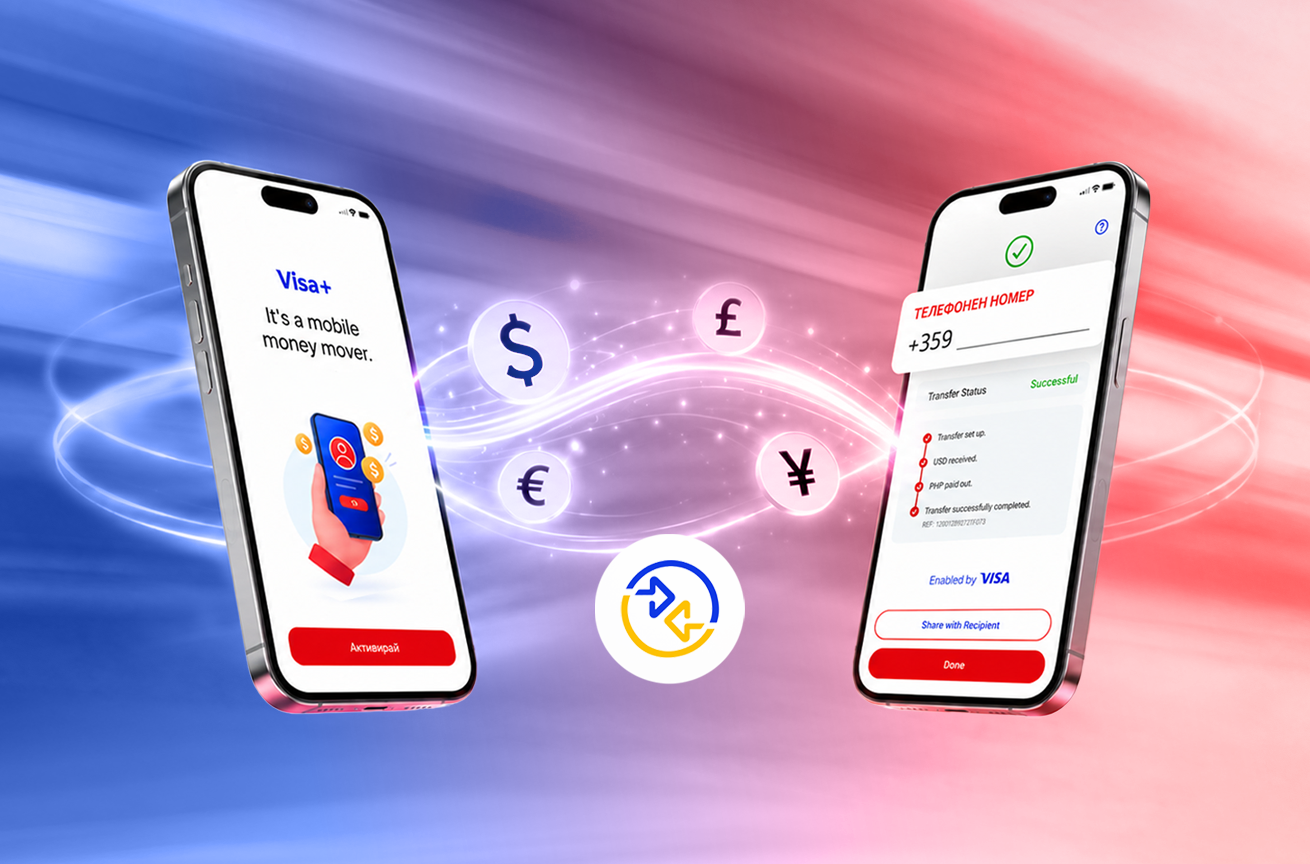
Receive money via your mobile number with Visa+ from iBank
You can now receive money via your mobile number with Visa+ - a new service from iBank that makes it easy to receive funds from other users of the service, including those abroad.
With Visa+, you don’t need to share your bank account number or payment card number with the person sending you the money. All you need to do is link your preferred account or card to your mobile number through the service in advance.
How does Visa+ work?
Visa+ is an international service from Visa that allows you to link your mobile number to a bank account or payment card. Once registered, you can use your number to receive money from other Visa+ users.
For example, if a loved one abroad wants to send you money, they can use the mobile number you’ve registered with Visa+ instead of your account or card number. The sender must also be enrolled in the Visa+ service.
Visa+ is available for receiving transfers through iBank.
How do you sign up?
You can activate Visa+ through iBank Mobile or iBank online banking:
- Log in to the mobile or online banking app.
- Give your consent and accept the terms of use for Visa+.
- Create your profile and select the account or card to which you want to receive money.
- Link it to your mobile number and confirm your registration by following the on-screen steps.
You can update or deactivate your Visa+ profile at any time via iBank Mobile or online banking.
Learn more about Visa+ here.