Google Pay™
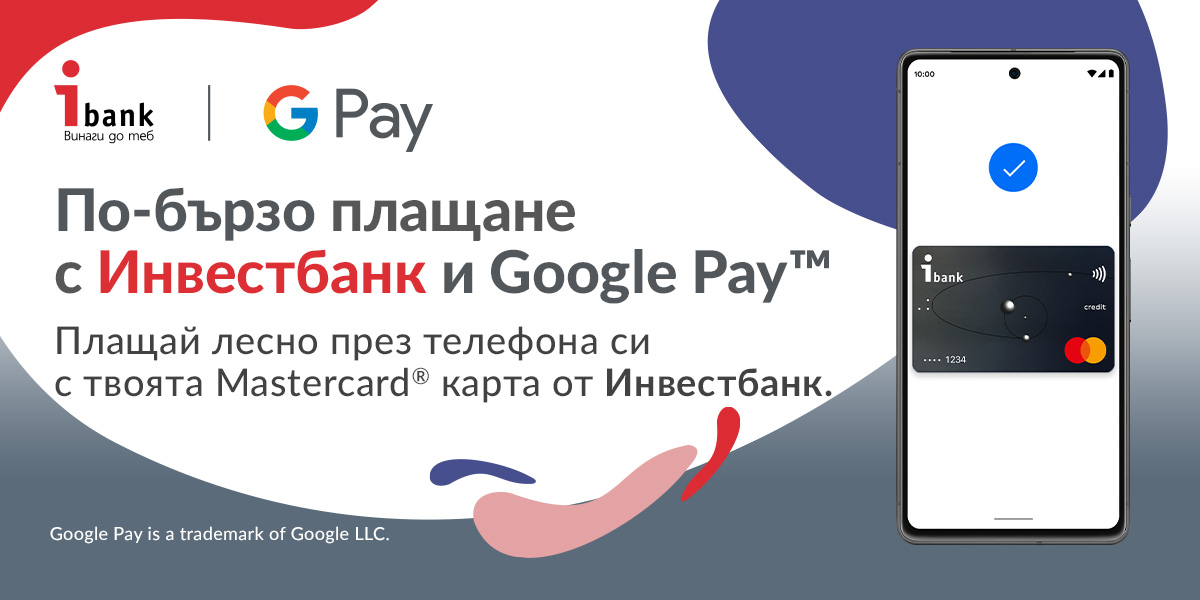
You can now add your Mastercard® card issued by Investbank JSC to Google Wallet™.
Add your card to Google Wallet™ and with one tap you can pay anywhere Google Pay™ is accepted - in stores and online, both at home and abroad.
What is Google Pay™?
• A secure method for quick payments using a smart phone in commercial establishments, wherever contactless payments are accepted, as well as ATM transactions with contactless functionality;
• Adding a card to Google Wallet™ is effectively digitizing a card;
• Provides high transaction security - does not store any information that could be linked to the cardholder.
What does it take to add your card to Google Wallet™?
• Mastercard® card issued by Investbank JSK;
• Device with Android operating system, version Lollipop 5.0 or higher and Google Play services installed on the device;
• The latest version of Ibank Mobile.
How to add your card to Google Wallet™?
1. Open the mobile banking application of Investbank AD Ibank Mobile. Make sure you have the latest version of the Bank's mobile application.
2. Go to the "Maps" menu;
3. Select "Add to Google Pay" on the card you want and follow the instructions;
4. Familiarize yourself with and accept the General Terms and Conditions for using the Google Pay™ service and the Terms and Conditions for digitizing and using an Investbank JSK card through applications of external providers;
5. At the end of the process, you will receive a confirmation that the card has been added to Google Wallet™ and you can now make contactless payments.
In case you don't use Ibank Mobile, you can add your cards directly through Google Wallet.
Where can you use Google Pay™?
You can pay with Google Pay™ anywhere you see one of these two symbols:
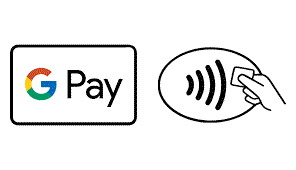
You can also pay in all apps and websites that support the service.
You can withdraw funds from any contactless ATM and enter the PIN on the physical card.
All you need to do is unlock your phone, bring it close to the contactless transaction symbol!
In order to pay with Google Pay™, your device must have the NFC function and it must be activated!
What are the benefits of paying with Google Pay?
• Speed. Adding your card from Investbank JSK to Google Wallet™ takes only a few minutes and can be done both through the Google Wallet™ application and through the Ibank Mobile application;
• Security. The digitized card number is not displayed on the device used for payments;
• Convenience. Expands the choice of using an innovative payment method.